


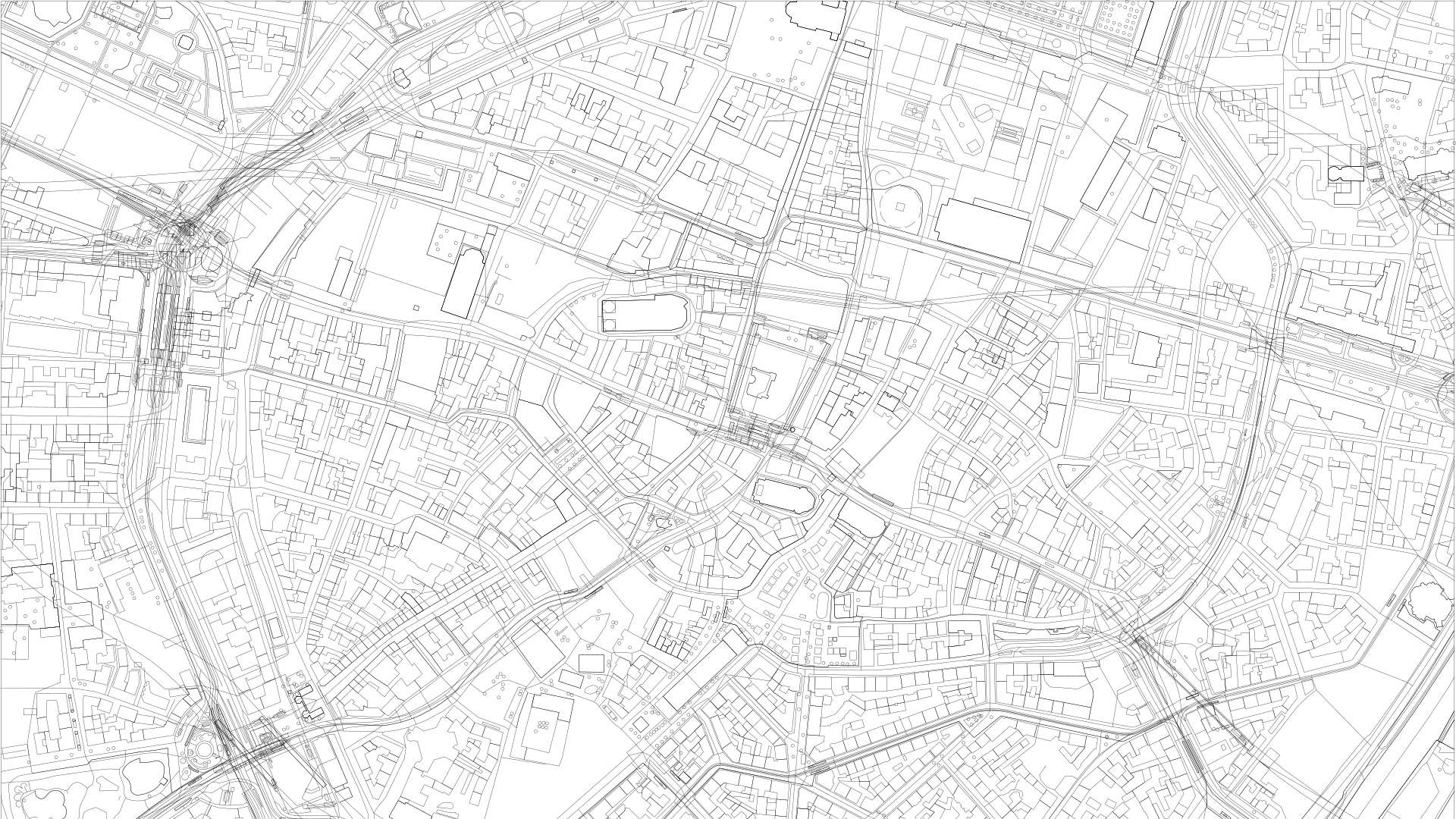
Geographic Data
Environmental Design begins with accurate Geographic Data (GeoData). Integrating real-world urban geometry is the critical first step for conducting meaningful wind, insolation, and shading studies. By bringing OpenStreetMap or Shapefile data into Grasshopper, designers can optimize building massing based on actual neighborhood constraints.
OpenStreetMap (OSM)
Section titled “OpenStreetMap (OSM)”Ideal for rapid site prototyping. Using the Caribou plugin, designers can quickly parse .osm files to generate immediate 3D contexts for preliminary environmental simulations.
Where to get the data?
Section titled “Where to get the data?”Use the official OpenStreetMap export tool. It is ideal for quick and specific extractions of smaller areas.
Shapefiles (SHP)
Section titled “Shapefiles (SHP)”Essential for large-scale urban analytics. With Urbano, it is possible to handle massive datasets (entire cities) and deep metadata, providing a more robust foundation for energy-efficient master planning.
Where to get the data?
Section titled “Where to get the data?”For data covering entire cities or extensive regions, use Geofabrik or BBBike. BBBike, in particular, allows for extracting custom areas in various formats.
QGIS: Data Preparation
Section titled “QGIS: Data Preparation”Before importing large volumes of data into Grasshopper, professionals use QGIS. It is essential for opening Shapefiles (.shp), filtering only the necessary information (such as contour lines or building footprints), and converting coordinate systems. This prevents Rhino from crashing and ensures that the data is geometrically correct.